

Choose a device and game type
Tell RandoPlay whether you are on desktop or mobile, then choose arcade, puzzle, skill, or Surprise me.
RandoPlay
Not sure what to play next? Choose a device and game type, then open an eligible browser game.
Choose a device and game type, or let surprise choose for you.
Tell RandoPlay your mood, your time, and your device. One eligible browser game is picked for you.
Question 1 of 3
What are you in the mood for?
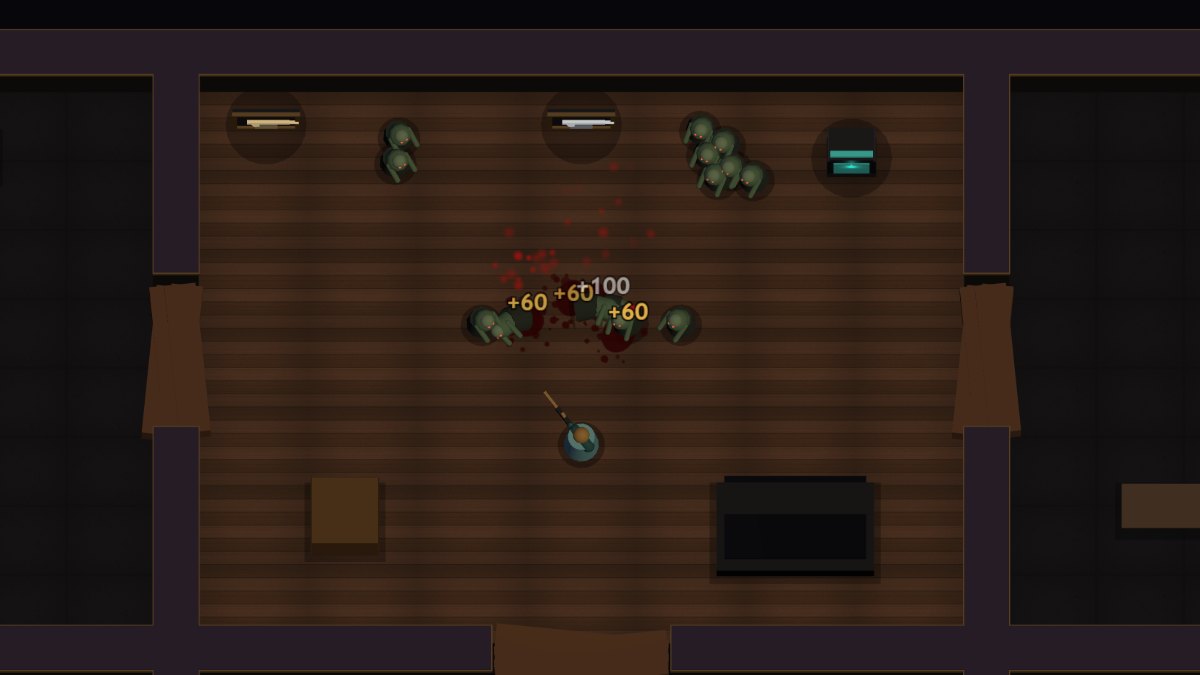
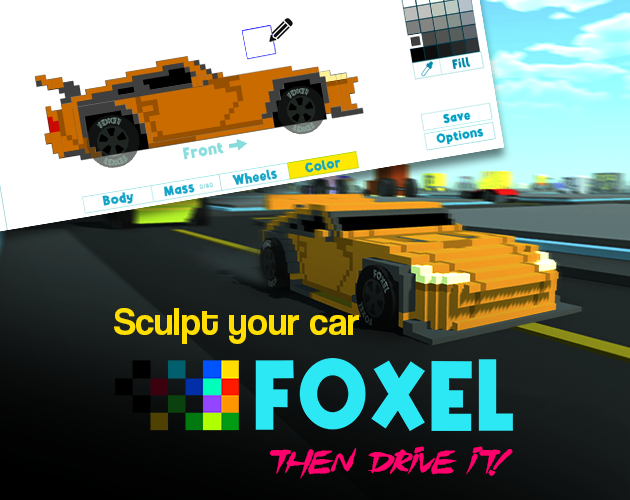
A compact look at games the picker can choose when you want the decision made.
Tell RandoPlay whether you are on desktop or mobile, then choose arcade, puzzle, skill, or Surprise me.
The picker uses your selected device and game type to choose one eligible browser game from the current library.
Use Surprise me to keep the original random path when you want RandoPlay to make the decision without preferences.
The device choice is a real compatibility filter. Phone or tablet keeps only games marked mobile-friendly, while desktop or laptop keeps games marked desktop-friendly. Arcade, puzzle, and skill use the same category labels shown across RandoPlay. The picker then chooses from the remaining eligible games. It does not rank games, score your taste, or claim to use artificial intelligence.
The picker makes a fresh selection from the games that match your current choices, so repeating the same answers can open a different game. Recently opened games are avoided when another matching option is available. Surprise me removes the category filter but still respects your selected device. The available result pool can also change when games are added, removed, or rechecked.
If you already know the style you enjoy, pick arcade, puzzle, or skill and let the picker choose inside that space. Arcade covers fast classic loops, puzzle covers slower logic problems, and skill covers timing and reaction play. Surprise me keeps the whole library open when no preference feels right.
Most games in the current library list an estimated session of about five or six minutes, so one pick rarely commits you to a long session. If the first minute does not land, come back and pick again.
Unlike a random name generator, this picker applies facts from the current library: your device choice limits results to compatible games, and the game type choice limits them to one category before a pick is made.
Press Choose for Me after any answer, or even with no preferences at all. The picker makes the decision and opens the game page, so you go from undecided to playing in seconds.
The Surprise me option skips the category choice while still respecting your device, which helps on days when every genre feels the same and you just want a working game.
Spin once and use the selected browser game as the next game to try.
It is a lightweight preference picker, not a long quiz. Choose a device and game type, or use Surprise me for a random game.
The picker filters games by your device and selected type, then chooses from games that pass the site's current playable-game requirements.
Yes. If the result is not what you want, spin again for another game.
The current pool is built around free browser games from traceable sources.
No. The current flow is built around browser games and does not require a download first.
Choose your device and a game type above, or use Surprise me, and play the first result for one round before deciding whether to keep it.
Use this picker for a fresh suggestion, or open the Games to Play When Bored page for picks grouped by mood and device.
Yes. Choose the mobile option and the picker keeps only games marked mobile-friendly in the current library.
Yes. Answer the two picker questions, or press the button with Surprise me selected, and RandoPlay opens one eligible browser game for you.
Yes. Leave the category on Surprise me and the picker chooses from the full compatible library for your device.
The picker adds two real filters, device and game type, on top of the random choice. The wheel on the homepage skips the questions entirely when you want the fastest possible pick.
Pick another way to let RandoPlay choose what opens next.