RandoPlay

Random Steam Game

Steam does not include a random game button. Here is how to pick a random game from your own library, and what to play when you want zero installs.

One click opens a random free browser game. No download, no signup, no list to scroll.

Games you might get

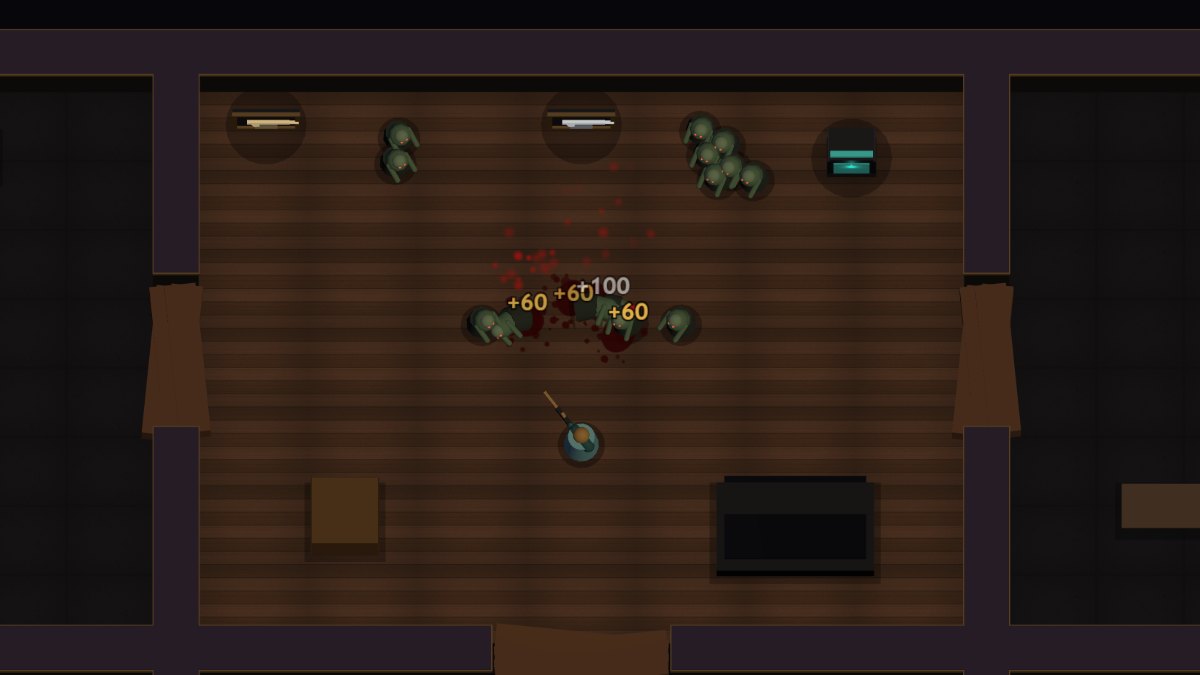
A small sample of the browser games this page can open.

Steam has no random button

As of 2026, the Steam client and store do not include a built-in random game picker. Steam can surface unplayed games in its library suggestions, but choosing a truly random title from your own library takes a small workaround.

Use your library filters as a poor man's randomizer

Sort your library by last played, filter to a single genre or tag, or open a category you have ignored for a year. Narrowing a big library to a short list first makes the final random pick much easier.

Try a Steam roulette or picker tool

Several third-party sites and apps offer a Steam roulette or Steam game picker that selects a random title from your library or wishlist. Most read your public profile, and some ask you to sign in with your Steam account, so check what each tool requests before using it.

Make the pick social

Roulette works better with friends: each person nominates one owned game, or you randomize the order your group plays in. A shared rule like one hour before anyone can quit keeps the pick honest.

When you cannot commit to an install

A random Steam game means a download, an update, and usually a longer session. When you want the random feeling without the install step, RandoPlay opens a free browser game in one click instead.

What RandoPlay does and does not do

RandoPlay cannot see or access your Steam library, and it is not affiliated with Steam or Valve. It is a separate site with its own catalog of browser games, which is why the button below opens a browser game rather than a Steam title.

Frequently asked questions

How do I pick a random game from my Steam library?

Narrow your library with filters or sorting first, then choose randomly from the short list, or use a third-party Steam game picker or roulette tool that reads your library.

Does Steam have a random game button?

No. The Steam library can suggest unplayed games, but there is no built-in button that picks a random game from your whole library.

What is a Steam game randomizer?

A Steam game randomizer, also called a Steam roulette or Steam game picker, is a third-party tool that selects a random title from your library or wishlist for you.

Are Steam roulette sites safe to use?

They vary. Tools that only read your public profile are safer than ones that ask for account login access. Review the permissions each tool requests and revoke access you no longer use.

What if I land on a game I do not want to install?

Decide in advance whether you will install the pick or re-roll. If installing is the blocker, a browser game gives the same random feeling with no download.

Can RandoPlay pick a random Steam game for me?

No. RandoPlay cannot access your Steam library. The random button on this page opens one of RandoPlay's own free browser games instead.

Pick another way to let RandoPlay choose what opens next.